DUSTY ROADS BASE - USER INTERFACE
Create a separator
Right-click in the left pane of MO2 and select Create separator. Name it USER INTERFACE.
UIO - User Interface Organizer

NVSE plugin that is designed to manage and maintain all UI/HUD extensions added to the game by various mods.
- Download the main file UIO - User Interface Organizer
The Mod Configuration Menu

Allows any number of mods to be configured from a single menu.
- Download the main file The Mod Configuration Menu
MCM Extender

An add-on for The Mod Configuration Menu, adding quality-of-life features and bug fixes.
- Download the main file MCM Extender
Vanilla UI Plus
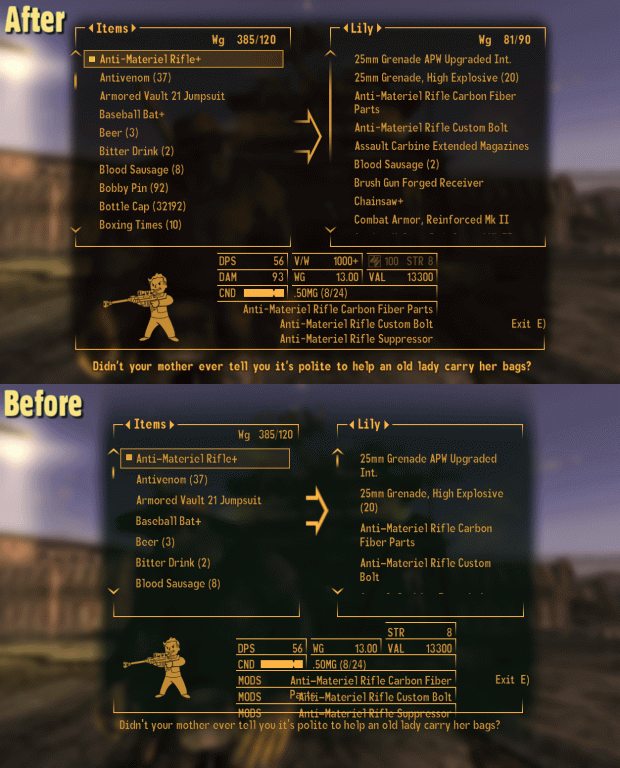
Improves the user interface in the original style.
- This mod is available on Mod DB. Just like Nexus, navigate to the
Filestab - Click the file Vanilla UI Plus (New Vegas) 9.48 and download by clicking the red
Download Nowbutton - When finished downloading, use the
Install from an archivebutton in MO2, select the downloaded 7z-archive and install the mod
 Mods downloaded from sources other than Nexus won’t appear in the
 Downloads tab. Install them manually using the Install from archive button in MO2’s toolbar.
UI Improvements
SETTINGS

Quality of life UI features, improvements, and a few bug fixes.
- Download the main file UI Improvements
PipBoy UI Tweaks - ESPless
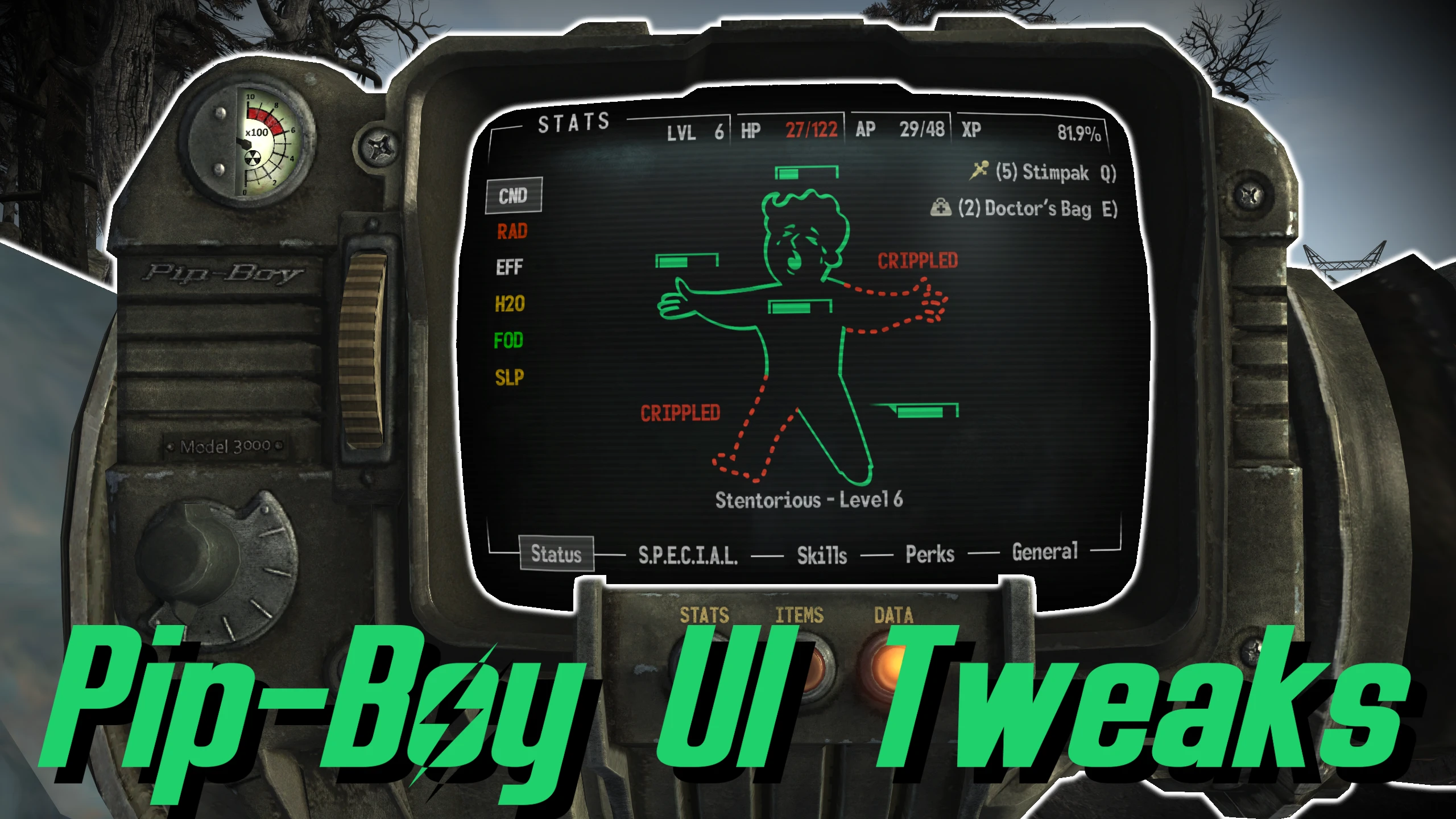
Assorted tweaks for the Pip-Boy UI.
- Download the main file Pip-Boy UI Tweaks
- Download the main file Pip-Boy UI Tweaks - INI
High Res Local Maps

Increases the resolution of local maps.
- Download the main file High Res Local Maps
High Resolution Screens

Increases the render resolution of in-game screens.
- Download the main file High Resolution Screens
Menu Search
SETTINGS
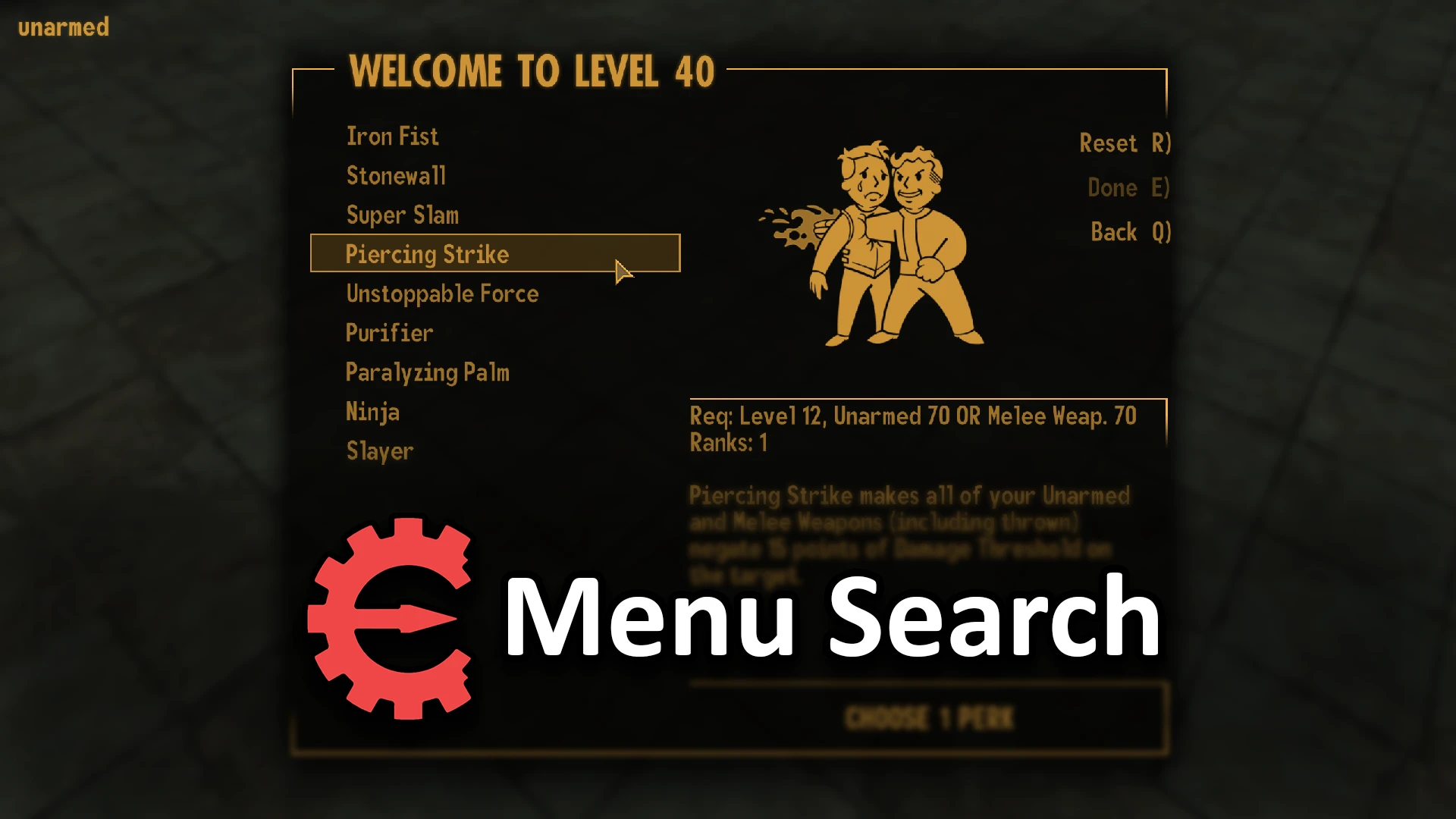
Add Ctrl-F to search in PipBoy, Container, Barter, Recipe, Levelup Perks and Save/Load menus.
- Download the main file lStewieAl - Menu Search
JIP Improved Recipe Menu ESPless

This mod makes the crafting interface easier, more efficient and less tedious to use.
- Download the main file JIP Improved Recipe Menu ESPless
Sleep Wait Hardcore Needs

The Sleep/Wait menu will show your calculated H2O, FOD, and SLP based on the time selected.
- Download the main file Sleep Wait Hardcore Needs
Faster Sleep-Wait
SETTINGS
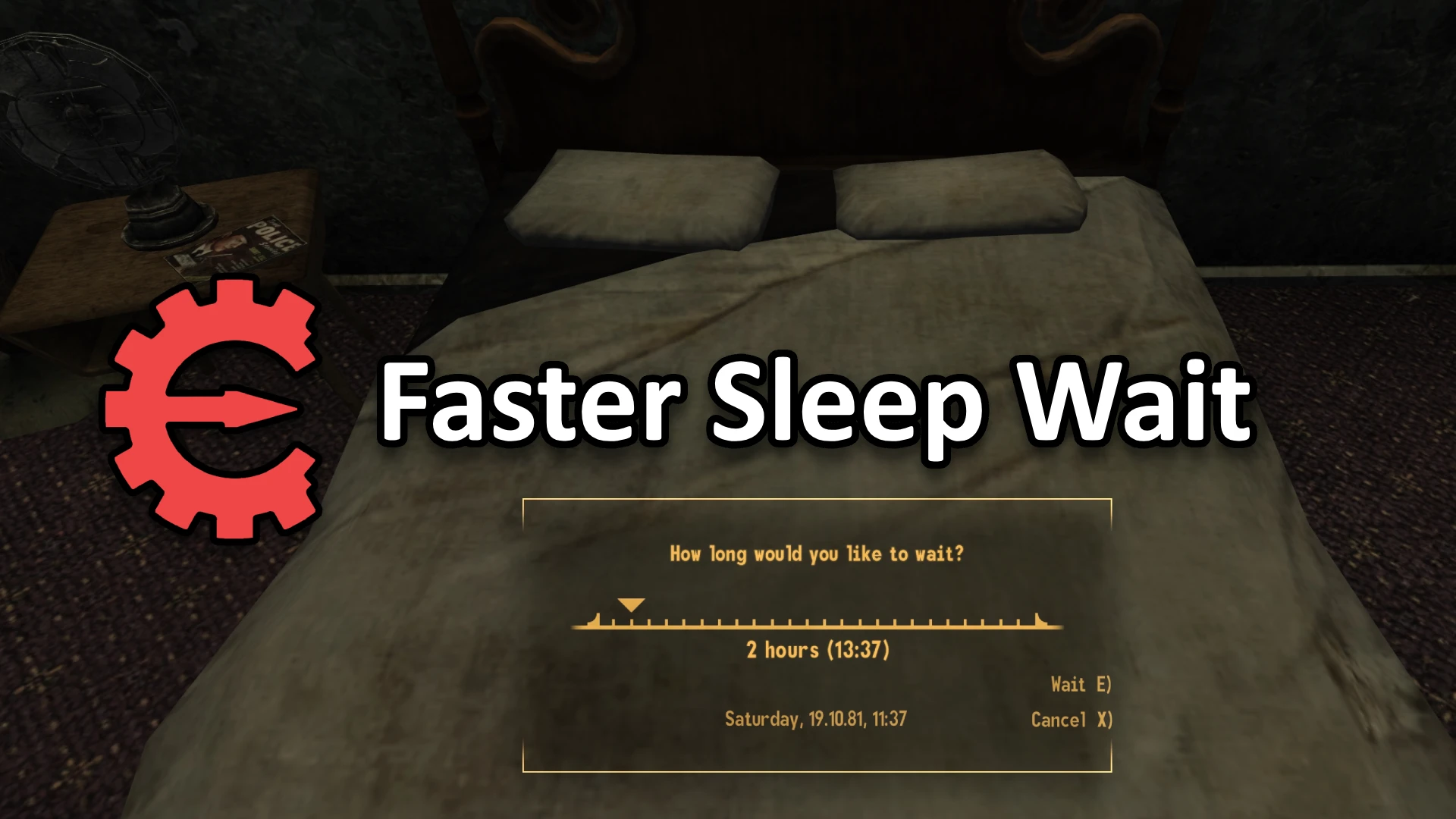
Decreases the delay between hours while waiting or sleeping.
- Download the main file Faster Sleep Wait
Faster Main Menu
SETTINGS

Makes the games main menu load faster.
- Download the main file Faster Start Menu