DUSTY ROADS BASE - UTILITIES
MANUAL INSTALLATION
Let's get started!
Even when using MO2, still need to be installed manually into FNV’s root folder. Always choose the Manual Download button on Nexus Mods and follow the installation instructions outlined below.
FalloutNV.exe.
New Vegas Script Extender (NVSE xNVSE)
The most important modding resource that expands the scripting capabilities of FNV.
- Download the main file New Vegas Script Extender (xNVSE) (
manual download) - Extract the 7z-archive and move all extracted files into your game's root folder
Vanilla BSAs Patcher

Decompresses archives for better loading time and fixes vanilla audio not playing. All configurable through a simple web UI.
- Download the main file Vanilla BSAs Patcher
- Extract the 7z-archive and run
Vanilla BSAs Patcher.exe - Use the default settings. If your game is installed on a HDD, disable
Decompress BSAs - The path should be auto-filled. If not, complete with the path of your FNV installation. Click the ▶ button and wait for it to finish
☑ Upgrade Vorbis libraries option. The upgraded Vorbis files have already been copied to the game folder.
Ultimate Edition ESM Fixes Remastered

Optimizes, cleans and fixes FNVs ESMs.
- Open MO2, right-click in the left pane and select
Create empty mod. Name it FNV ESM Fixes or something similar - Copy the folder path
- Download the main file Ultimate Edition ESM Fixes Remastered
- Extract the 7z-archive and run
Installer.exe - The FNV path should be auto-filled. The mod folder path should be the path you copied earlier
- Click
Installand wait for it to finish - In MO2 click the refresh button (or press F5) and enable the FNV ESM Fixes mod by clicking the checkbox next to it
FNV 4GB Patcher

A patcher that enables 4GB memory access for FNV and automatically loads xNVSE
- Download the main file 4GB Patcher
- Extract the 7z-archive and move the file to your game's root folder
- Run
FNVpatch.exe, and a window will open with the text“FalloutNV.exe patched!” - Close the window and you'll see
FalloutNV_backup.exeappeared (the original unpatched executable)
MOD MANAGER INSTALLATION
From this point onward, use the Mod Manager Download option on Nexus Mods to send files directly to MO2’s Downloads tab, where they’ll be ready for installation.
Create a separator
Right-click in the left pane of MO2 and select Create separator. Name it UTILITIES.
JIP LN NVSE Plugin

JIP is an extension of NVSE. It adds new functions and includes numerous engine bug fixes and tweaks.
- Download the main file JIP LN NVSE Plugin
- Download the main file JIP LN Settings INI
Chemist Re-Fixed (JIP LN NVSE Bugfix) (ESPless)

Implements a workaround for a poorly balanced fix to the Chemist and Day Tripper perks in JIP LN NVSE.
- Download the main file Chemist Re-Fixed
JohnnyGuitar NVSE

JohnnyGuitar is another extender plugin for NVSE that adds new script functions, features and engine bug fixes.
- Download the main file JohnnyGuitar NVSE
JohnnyGuitar NVSE - INI Presets

Configurations for JohnnyGuitar NVSE for the best out-of-the-box experience and extra features.
- Download the main file JohnnyGuitar NVSE - All Tweaks Preset
ShowOff xNVSE Plugin
An NVSE plugin which adds new functions and engine-level tweaks.
- Download the main file ShowOff xNVSE
- Download the optional file ShowOff INI
NVTF - New Vegas Tick Fix

NVTF improves performance and reduces stutter.
- Download the main file NVTF
- Download the main file NVTF - INI
kNVSE Animation Plugin
NVSE plugin that enables custom weapon and actor animations.
- Download the main file kNVSE
FNV Mod Limit Fix
Raises the plugin limit, allowing up to 255 active plugins.
- Download the main file MLF
Yvile's Crash Logger

A plugin that logs raw crash data.
- Download the main file Crash Logger
Improved Console (NVSE)
NVSE plugin that enhances the in-game console's abilities.
- Download the main file Improved Console
Console Paste Support

Plugin to add clipboard paste support in console.
- Download the main file Console Paste
Shader Loader - NVSE

Plugin that allows loading shaders from loose files
- Download the main file Shader Loader - NVSE
ISControl Enabler and Ironsights adjuster (now ESPless)
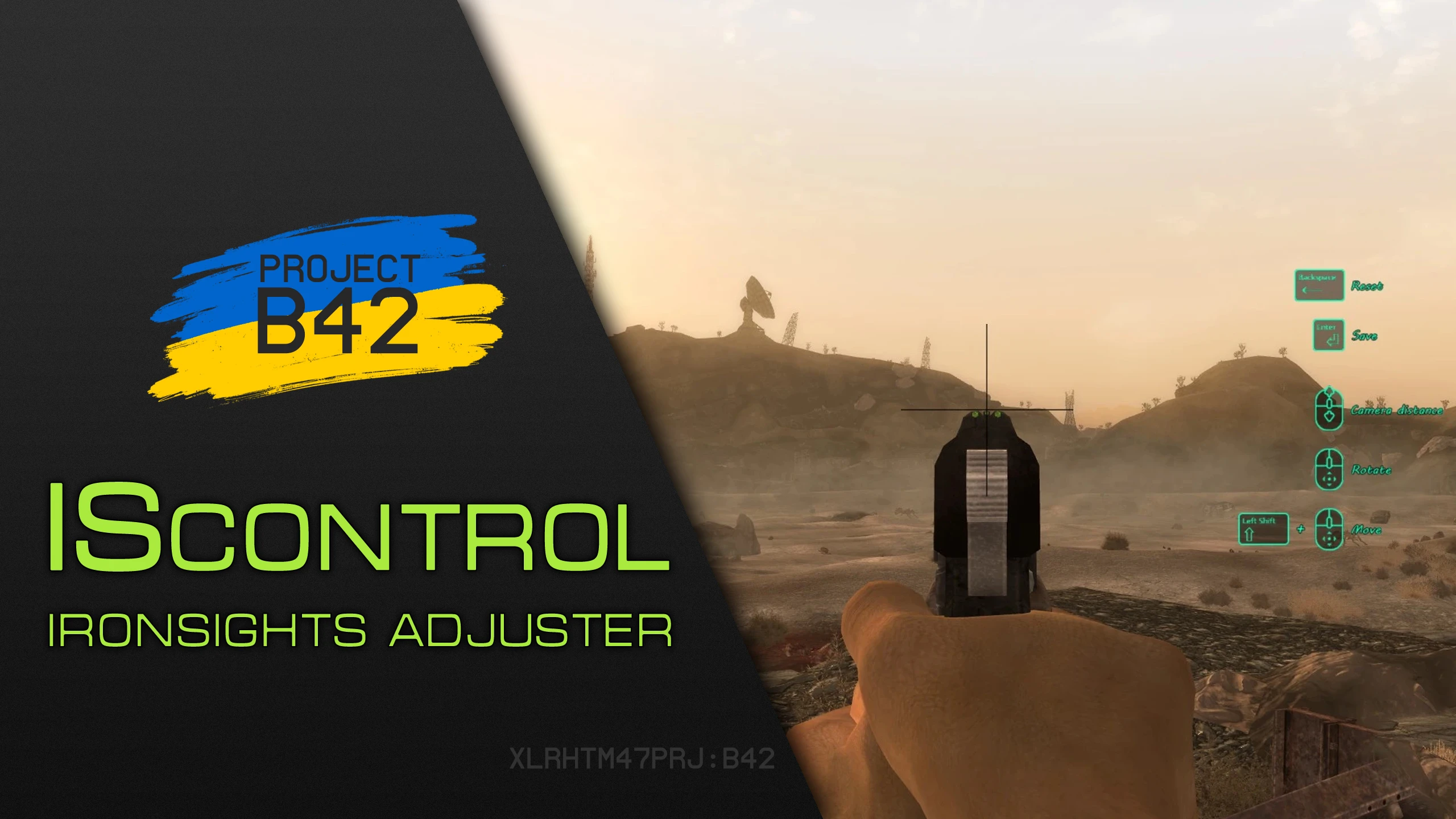
It adds dynamically ISControl node system animation support and easy per-weapon sights adjustment.
- Download the main file ISControl
OneTweak but Really Updated
Borderless windowed mode for FNV, including Alt-tab functionality.
- Download the main file OneTweak
KEYWORDS

Allows quick application of custom metadata to any game form.
- Download the main file KEYWORDS
zlib Updated - NVSE

Updates zlib to a newer version for faster loading and reduced stutter.
- Download the main file zlib Updated - NVSE
Cell Offset Generator - NVSE
Reduces cell loading stutter caused by unoptimized plugins.
- Download the main file Cell Offset Generator - NVSE
Auto-Save Manager
SETTINGS
Adds timed autosaves, save slots and incremental/full save hotkeys.
- Download the main file Save Manager
ITR NVSE
SETTINGS

Script extender featuring new commands and event handlers, bug fixes and tweaks.
- Download the main file itr nvse